Importing patients from CSV
Patients → Import patients from CSV → choose the file → Import. Done: owners become Clients (same-name owners are matched, never duplicated) and each row becomes a patient. Incumbents charge ~$2,475 for this; we charge nothing.
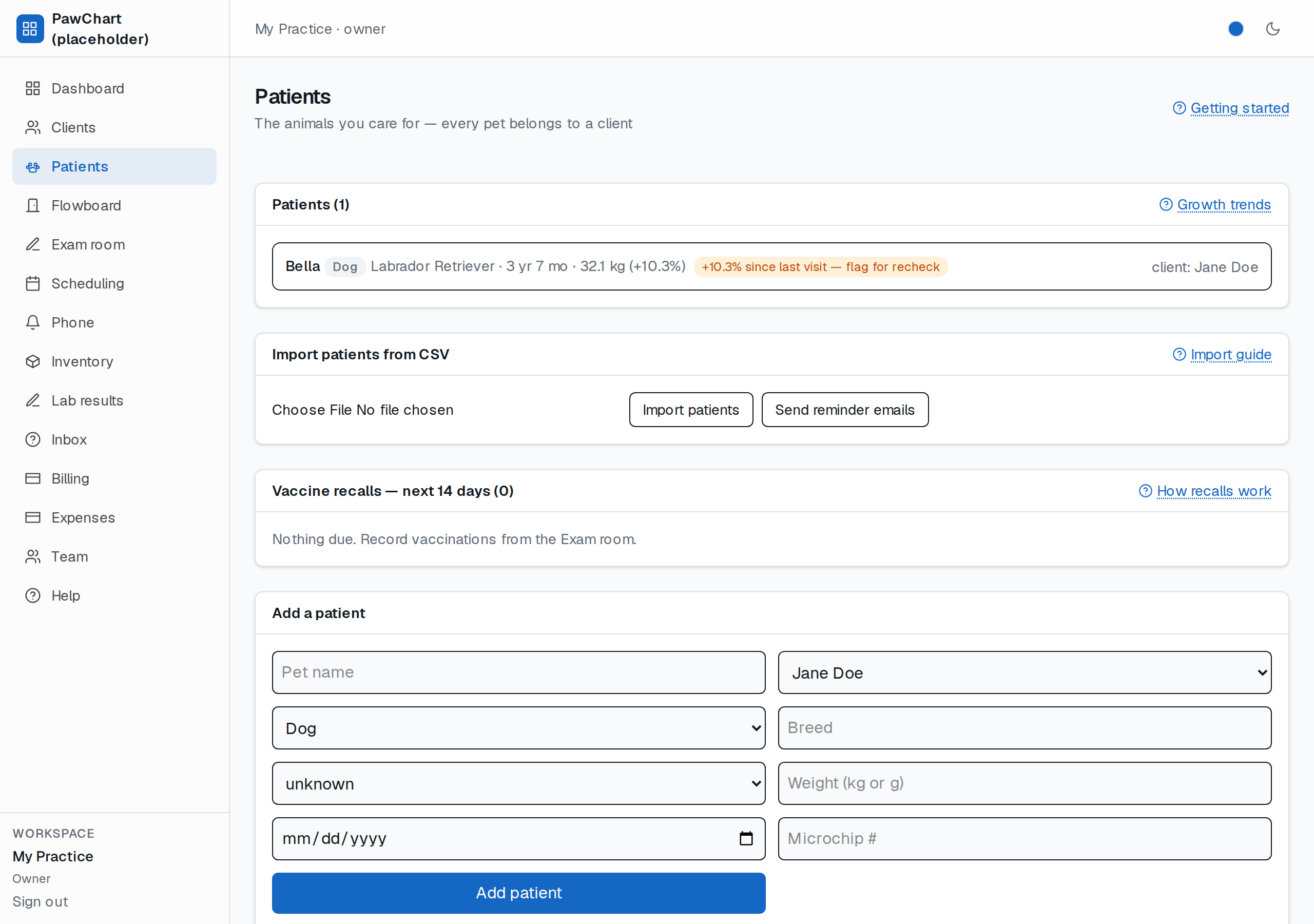
*The Patients screen — the CSV import card sits above the patient list.*
What the file must have: one header row, one patient per row. These column names are recognized (any case/spacing; extra columns are ignored):
| Column | Recognized names |
|---|---|
| Pet name | `Pet Name`, `Name`, `Pet`, `Patient` |
| Species | `Species`, `Animal Type`, `Type` (Dog/Feline/Bird… understood) |
| Breed / Sex | `Breed`, `Sex` (`Spayed Female`, `MN` → handled by first word) |
| Weight | `Weight` (plain number = kg; `66 lb` converts) |
| DOB | `DOB`, `Birthdate`, `Date of Birth` |
| Owner | `Owner First Name` + `Owner Last Name`, or one `Owner` column (`Smith, John` handled) |
| Microchip | `Microchip`, `Chip` |
Rows that can't import are skipped and counted — you see *Imported X, skipped Y*. A row needs at least a pet name, a species we understand, and an owner name. Fix those rows in the spreadsheet and import only them.
Tip: import before booking anything — appointments and billing reference patients, not files.