Estimates, issuing and voiding
A surgery quote is not a bill. It is a plan the client has to say yes to, and until they do, it should not appear as money owed.
Save as draft
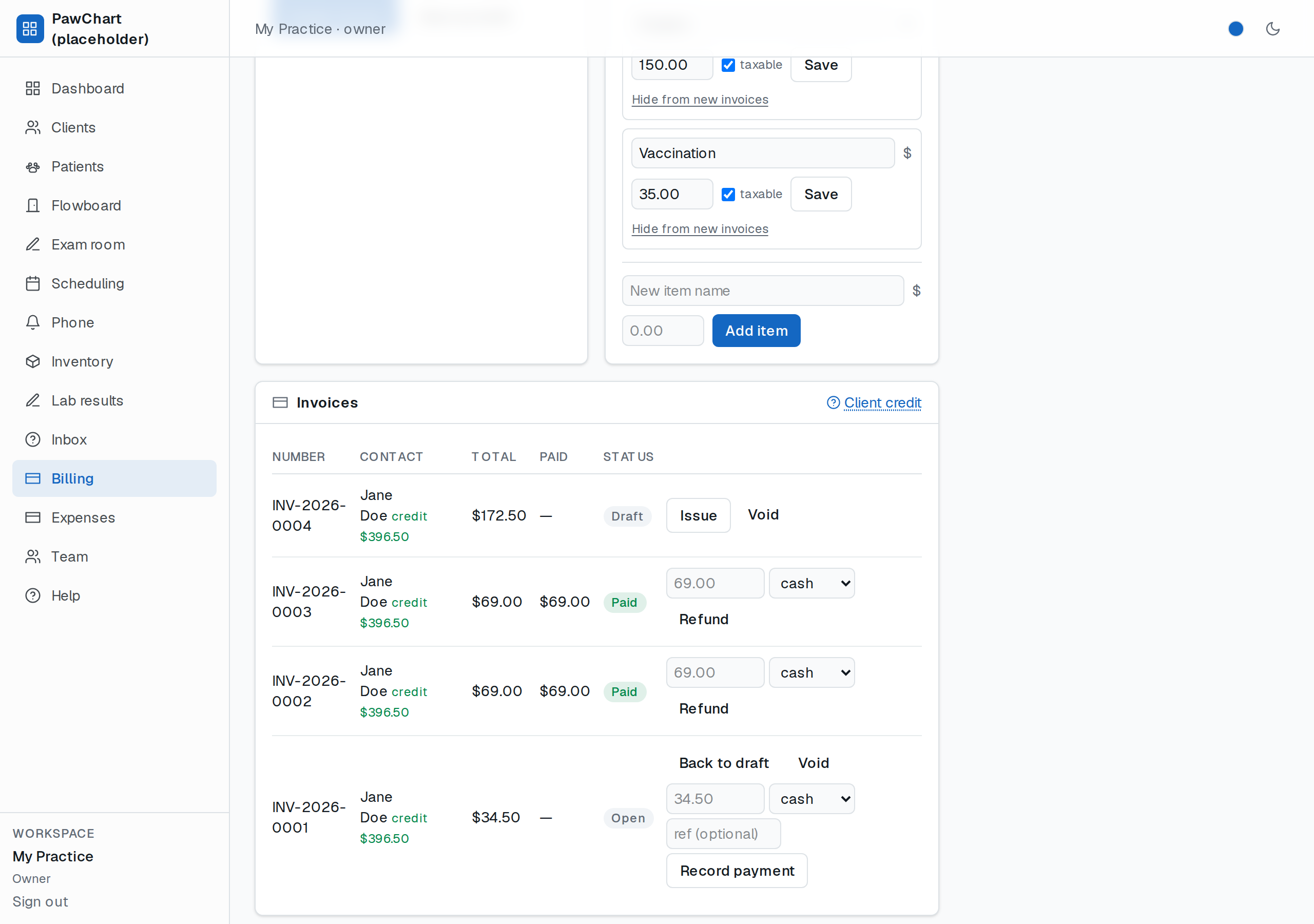
The invoice form has a second button, Save as draft. It builds the same lines and the same server-side totals, but the invoice is marked draft: it does not count in the client's account balance, and no payment is expected on it.
Issue when the client says yes
Issue turns the draft into a real bill: it stamps the issue date and a due date thirty days out, and — if the client carries account credit — the credit is applied to it right away, exactly like any newly created invoice.
Back to draft
A bill keyed wrong can walk back to draft only while nothing has been paid against it. Once money exists, correcting it means a refund or a new invoice, so the money trail is never edited away.
Void
Void keeps the invoice in the book — the number is spent and the row stays visible — but voided invoices stop counting against the account, and credit the client already had is untouched. Paid invoices cannot be voided; refund them first.
Numbering
Invoice numbers follow the last number in use (year prefix, four digits, `INV-2026-0007`), so an issued bill never repeats a number a voided one already used.