Team & roles
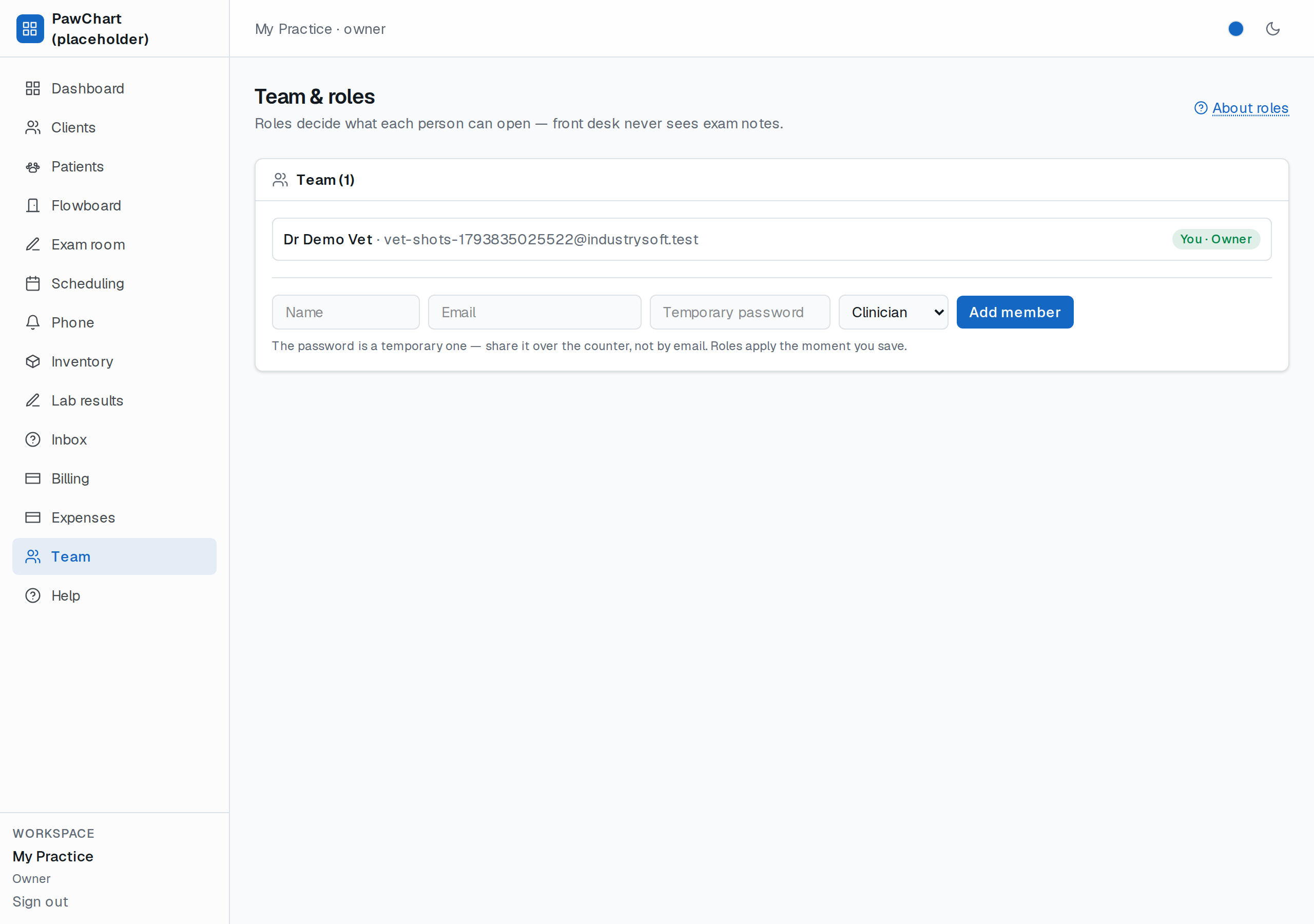
Your clinic, your people — and each person sees only what their job needs. Roles are set on the Team screen (owner only).
The four roles
| Role | Can | Cannot |
|---|---|---|
| Owner | Everything, incl. the team | — |
| Clinician (vet) | Patients, exams, labs, scheduling, billing *view* | Manage the team |
| Front desk | Patients, scheduling, Flowboard (check-in + status moves), billing, inventory, labs *view-entry* | Exam notes — clinical notes stay clinical |
| Billing | Billing + client lookups | Clinical anything |
The important line: front desk never reads exam notes. Same rule that protects psychotherapy records in our mental-health product — in vet it's about clinical judgement living in the clinical chart, not the checkout desk.
Day to day
Add someone with their name, email, password and role — they sign in immediately and the menu only shows their doors. Change a role any time; it takes effect on their next page load. Remove someone and their history stays in the chart (attributed, auditable).
Try it honestly
Ask a front-desk person to open Exam room from a bookmark — they'll be bounced home. That's not a bug; that's the rule working.