Vaccine protocols
Core vaccines should not depend on someone remembering to type them. A protocol is the practice's standing schedule — for example *Canine core: DHPP every 365 days, rabies every 1095* — applied in the exam room in one click.
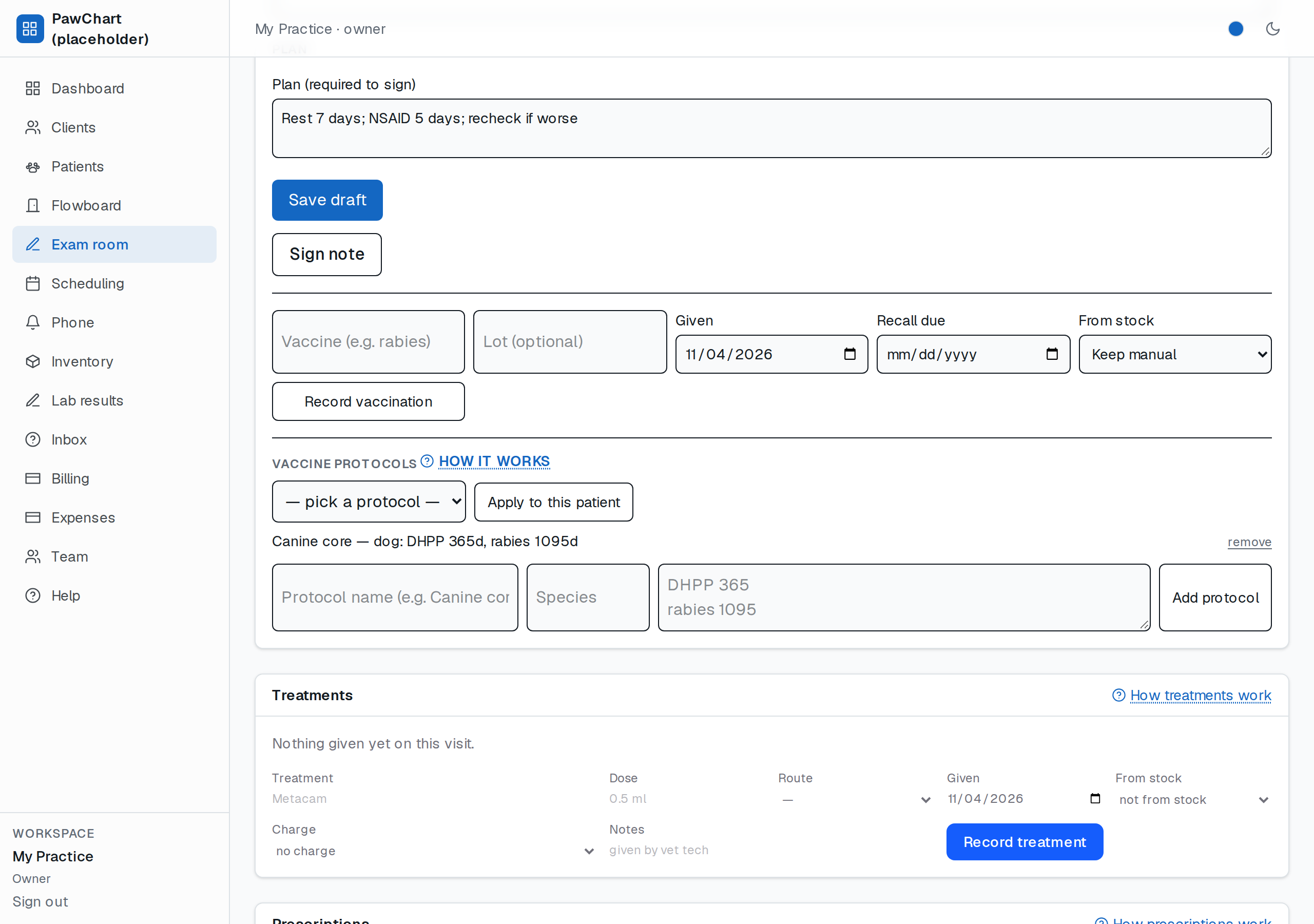
Define the schedule
At the bottom of the exam card, give the protocol a name, optionally a species, and one line per dose: the vaccine name and how many days the protection lasts. Lines look like `DHPP 365`. A protocol holds up to twelve doses; anything malformed is rejected whole, so a schedule is never half-saved.
Apply it to the patient
Choose the protocol and press Apply to this patient. Every dose is recorded as given today, and each row carries the recall date the schedule promises. Nothing is charged by the protocol itself — take doses from stock with the single-dose form when you need inventory to move.
Recalls do the rest
Applied doses feed the same recall engine as manually recorded vaccines: the Patients screen lists what is due within two weeks, and the nightly reminder sends one email per due dose — never repeats.
Editing a protocol
Protocols are small on purpose: remove one and add it again if the schedule changes. Pets keep the dates they were given at the time — changing a protocol never rewrites history.