Vaccinations & recalls
Record: open the patient in the Exam room → *Record vaccination*. Pick the vaccine (common ones are suggested, anything can be typed), lot number optional, given on (defaults to today) and recall due (the date the booster is next due — leave blank for none).
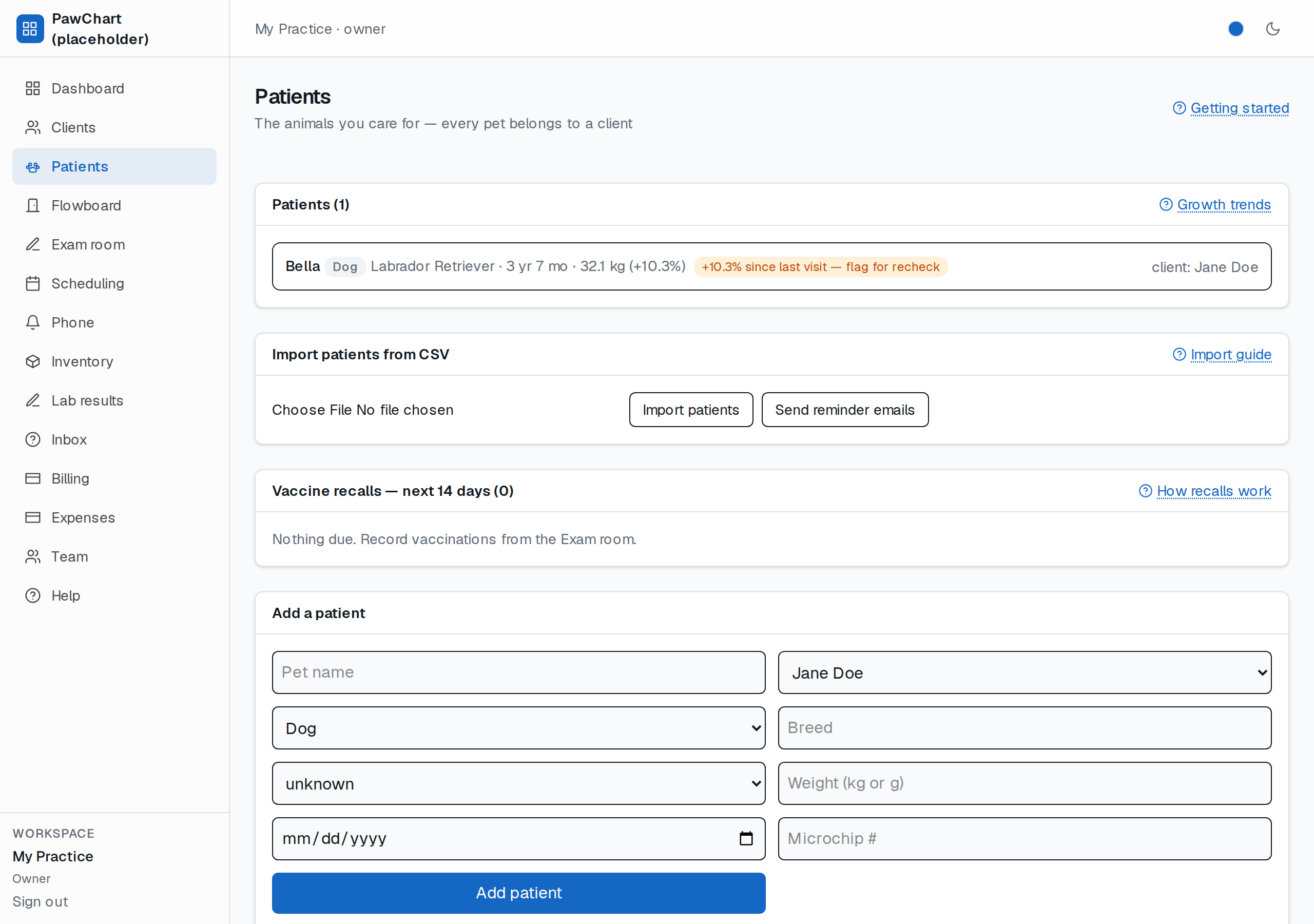
Recalls: the Patients screen shows a *Vaccine calendar* — everything due in the next 90 days, soonest first, with anything past due marked overdue. Reminder emails go out for doses due within 14 days, one email per dose — never repeats.
Reminder emails: click Send reminder emails on that card — every due/overdue vaccine whose owner has an email gets ONE reminder (never repeats; the row then reads *reminder sent*). A nightly cron for the same job ships with deploy infra; the button is the manual "do it now" version.
Tip: set the recall due date from the vaccine datasheet you administered (1-year vs 3-year products differ) — the system doesn't guess protocols for you yet.
Counting the dose out of stock
If you keep vaccine stock tracked on the Inventory screen, the vaccination form has a Take from stock picker. Choosing a stock item does two things: it deducts one dose automatically, and it links the dose to that stock record (lot-level history). If the item is out of doses, the vaccination won't record from stock — restock it or leave the picker on "Keep manual" to record without counting stock.